Turn any photo
into a realistic sketch
Upload a photo, pick a style, and get a premium hand-drawn look in seconds.
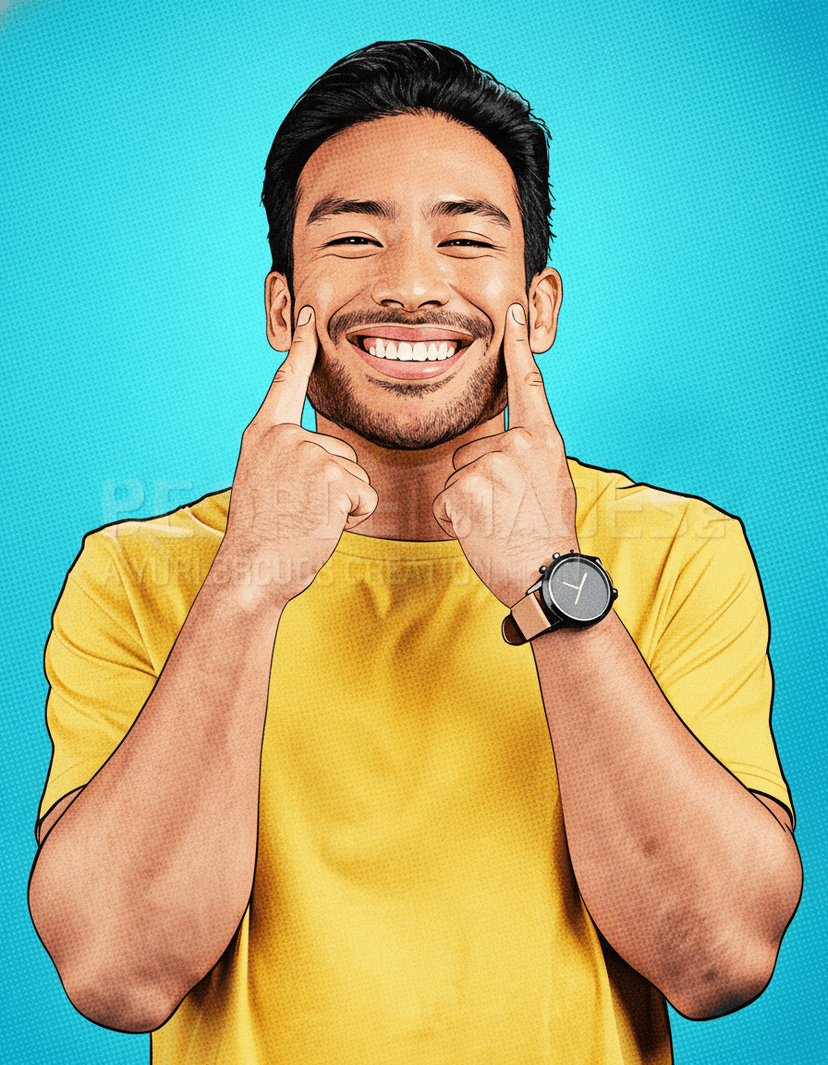
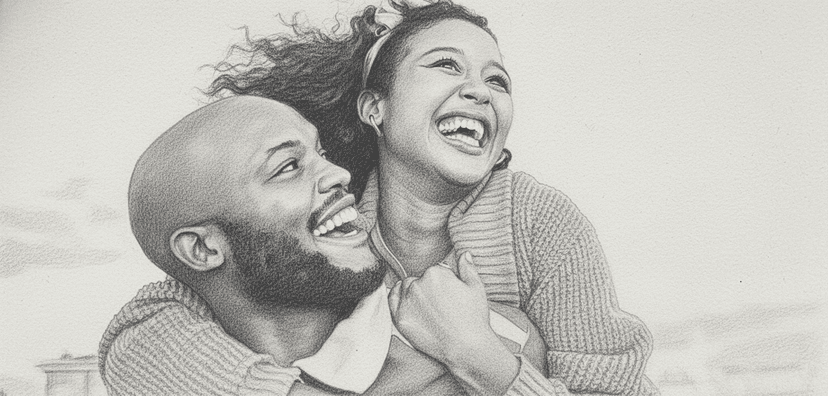
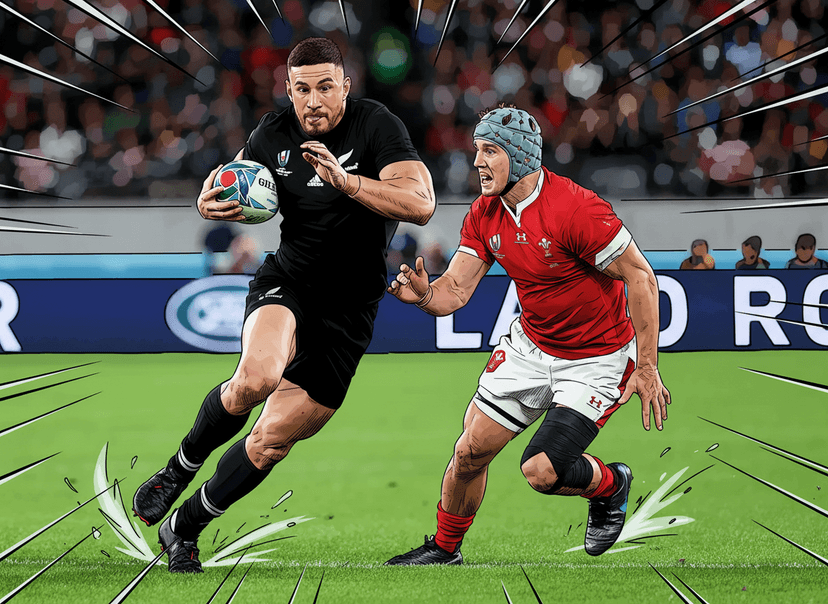
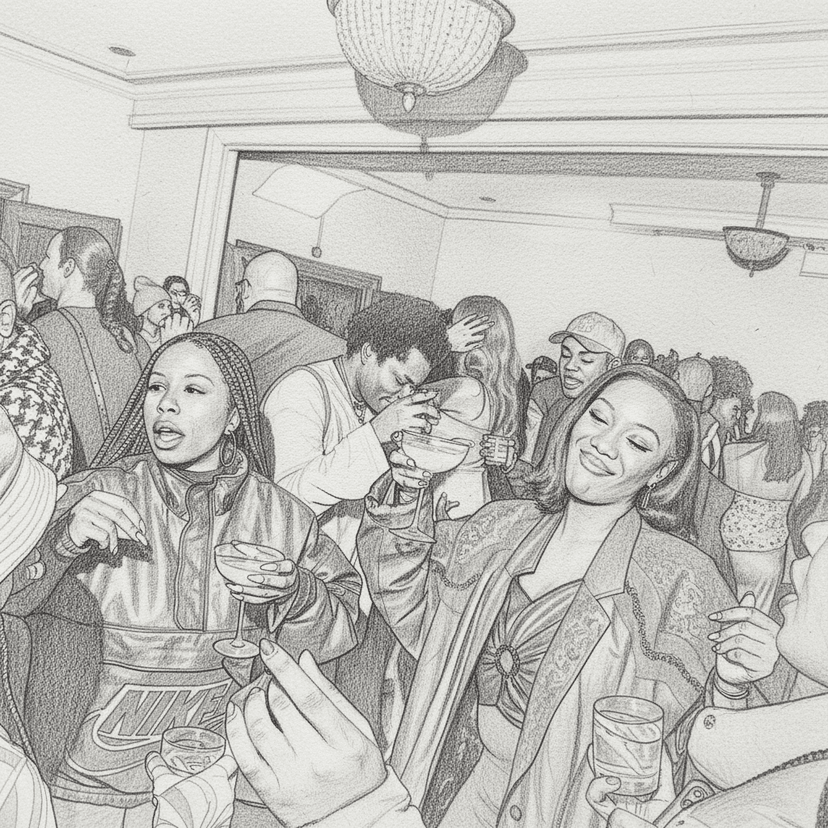
Built for Photo Sketches
Turn portraits, pets, and everyday moments into clean sketch art that feels hand-drawn.
Photo-to-Sketch Engine
We extract edges, shading, and contrast to turn everyday photos into polished sketches.
Your Photos Stay Yours
Uploads are handled securely so you can sketch family moments, portraits, and pets with peace of mind.
Fast Results
Get crisp sketch outputs in seconds with no waiting queue.
Two Signature Styles
Choose between comics and drawing styles with one click.
Ready to Share
Download your sketch and post it anywhere instantly.
Simple Credits
Pay as you go with flexible credit packs. No subscriptions, just clean pricing.
How UseSketch Works
Three simple steps to turn photos into sketches that look hand-drawn. No editing or design skills needed.
Upload a Photo
Pick a clear image you want to turn into a sketch. Portraits, pets, and everyday moments work great.
Choose a Style
Select comics or drawing and let the AI sketch it. We preserve outlines, shading, and key details.
Download the Sketch
Get a clean, high-resolution sketch ready to share. Use it for profiles, posters, or gifts.
Features that stand out
More than a filter — UseSketch understands your photo and recreates it as real sketch art.
Comics & Drawing Styles
Switch between bold comic-book lines and soft pencil-drawn shading with a single click. Each style is tuned to preserve the character of your original photo.
Instant Processing
Most sketches are ready in under 10 seconds — no queue, no waiting.
High-Res Downloads
Export at full resolution, ready for print or social media.
Before & After Preview
See your original photo side-by-side with the sketch so you can compare and fine-tune before downloading.
Edge & Shading Detection
Our engine reads contours, lighting, and contrast to produce sketches that feel hand-drawn — not filtered.
Frequently Asked Questions
Everything you need to know about turning photos into sketches.